
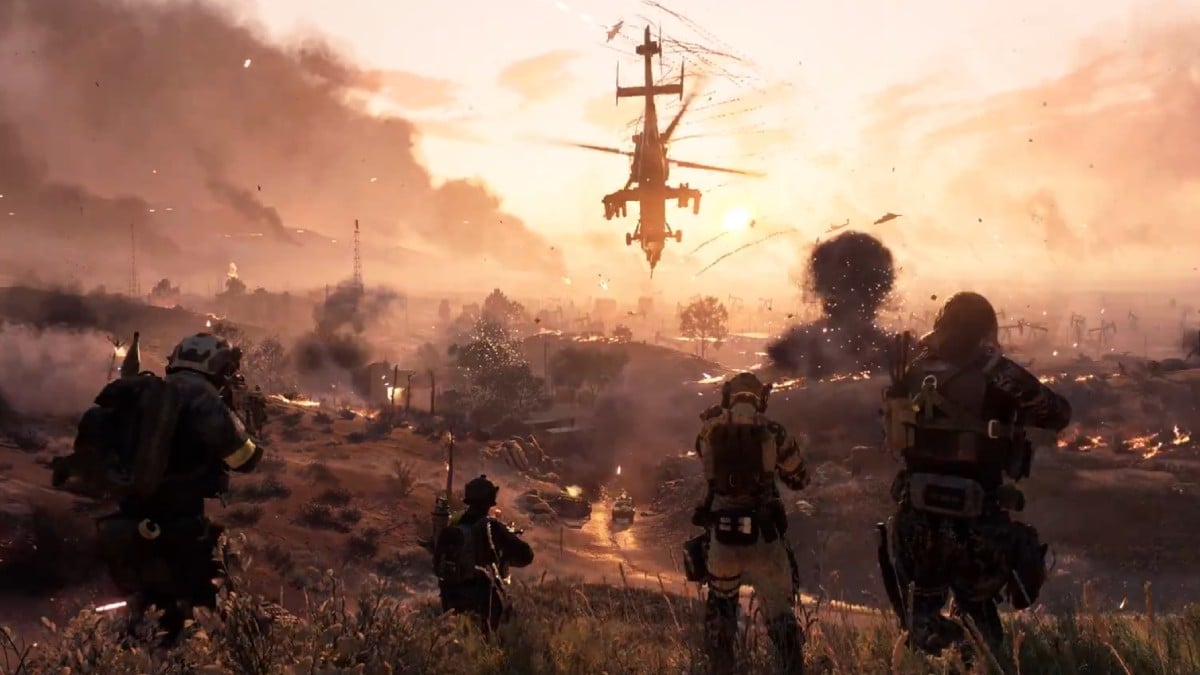
Battlefield 6 has officially launched its battle royale mode titled Battlefield REDSEC, available for download on both PC and consoles. Before diving in, users need to follow a few simple steps.
The battle royale is completely free-to-play and is part of the BF6 Season 1 update. REDSEC is a standalone experience separate from the main game package. Players can find it easily on popular platforms like Steam, PlayStation Store, Microsoft Store, and the EA Play app.
Here’s everything you need to know to download BF6 BR.
How to download Battlefield REDSEC
Battlefield REDSEC is now ready for download.
Simply search for «Battlefield REDSEC» on your preferred platform and initiate the download.
For instance, while browsing on PlayStation 5, the game appeared right away when I accessed the Store. It’s a sizable download, so I expected to wait around 40 minutes before playing. Your download times may vary based on the platform.
Here are the launch times for REDSEC in various time zones:
- Central (US): 10am CT
- East Coast (US): 11am ET
- West Coast (US): 8am PT
- United Kingdom: 3pm GMT
- Central Europe: 4pm CET
- Australia (Sydney): 2am AEDT (Oct. 29)
- Japan (Tokyo): 12am JST (Oct. 29)
How to download Battlefield REDSEC on PS5
If you’re looking to play on PS5 or PS5 Pro, follow these instructions:
- Turn on your console.
- Go to the PlayStation Store.
- Enter «Redsec» in the search field and press R2.
- Select the game from the search results.
- On the game page, press X on your controller to start downloading the Battlefield BR.
REDSEC is optimized for PS5 Pro, ensuring a smooth gaming experience.
How to download Battlefield REDSEC on Steam
If you want to access it through Steam, follow these steps:
- Visit the Steam Store.
- Search for «Redsec» in the search bar.
- Select the first result that displays as «free.»
- Once the store page is open, find the «Play Game» button and click it.
- The game will be added to your library, and you must download it before playing.
If you already have Battlefield 6 on Steam, you won’t need a separate download. Just update the game and look for the REDSEC option in the main menu.
Click on it to view three modes: Gauntlet, BR Duos, and BR Quads, and choose your preferred mode to start playing.
Requirements for downloading Battlefield REDSEC
Ensure your system meets the minimum requirements for Battlefield 6, which also apply to REDSEC. Additionally, make sure to have at least 35 to 40 GB of free space, as the initial download size is comparable to the main game, with slight differences across platforms.
If you are new to the Battlefield series, you will need to create an EA Account to play and download on all platforms, which can be done via their official website.







