
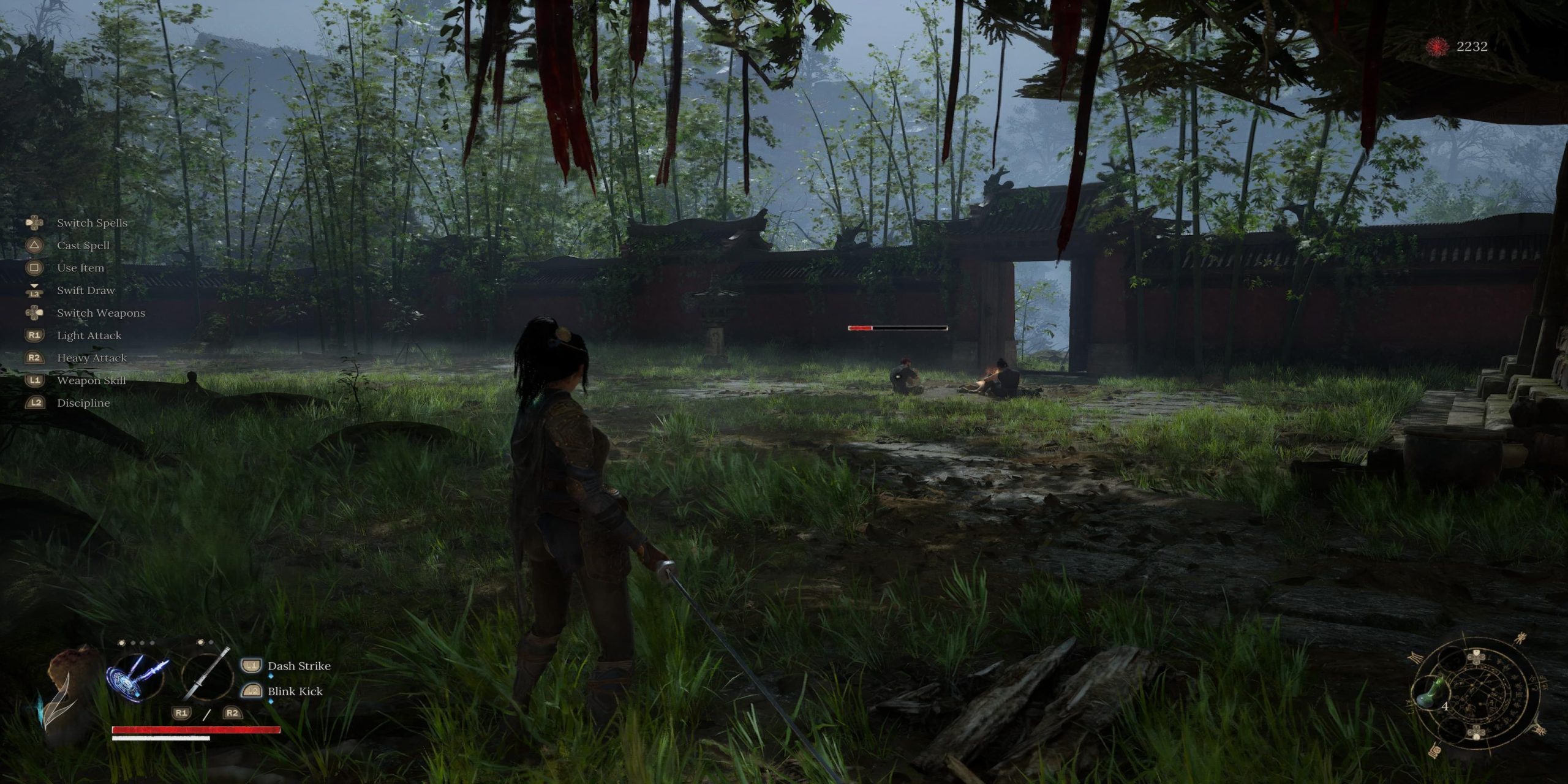
Wuchang: Fallen Feathers challenges players with a variety of foes, ranging from large insects to colossal beasts that wreak havoc in battle zones. Understanding your environment is essential for effective dodging, and the game presents two distinct camera perspectives to enhance your gameplay experience.
Standoff vs Classic Perspective in Wuchang: Fallen Feathers
Standoff Perspective
Standoff Perspective provides a cinematic experience, where the camera shifts to the side whenever you target an enemy, placing Wuchang slightly off-center. This view is activated only when you focus on a foe; otherwise, the camera defaults to the classic perspective during exploration and combat.
Classic Perspective
Classic Perspective maintains the camera directly above Wuchang’s head, keeping her centrally positioned regardless of your actions. This angle is slightly raised compared to the Standoff perspective, allowing for a broader overview of your surroundings, making it reminiscent of typical views found in other soulslike games.
Which Camera Perspective Should You Use in Wuchang: Fallen Feathers?
Ultimately, the choice between perspectives is subjective, but many players may prefer the Classic Perspective. While Standoff enhances cinematic visuals during one-on-one encounters, you often face multiple adversaries simultaneously outside of boss fights, making situational awareness crucial.
Even against singular bosses, having a comprehensive view of the environment is vital, as many bosses employ area-of-effect spells or abilities. The Standoff Perspective may not adequately reveal dangers behind you, leading to unexpected peril while dodging.
How to Switch Camera Perspectives
To change the camera angle, simply access the main menu at any time. Navigate to the Settings option, which is near the end of the menu, and scroll to Camera Options. The first option you see, «Camera Mode on Lock-on,» can be toggled on or off at your convenience.
Keep in mind that opening this menu does not pause the game, so it should only be done when it’s safe to do so.







