
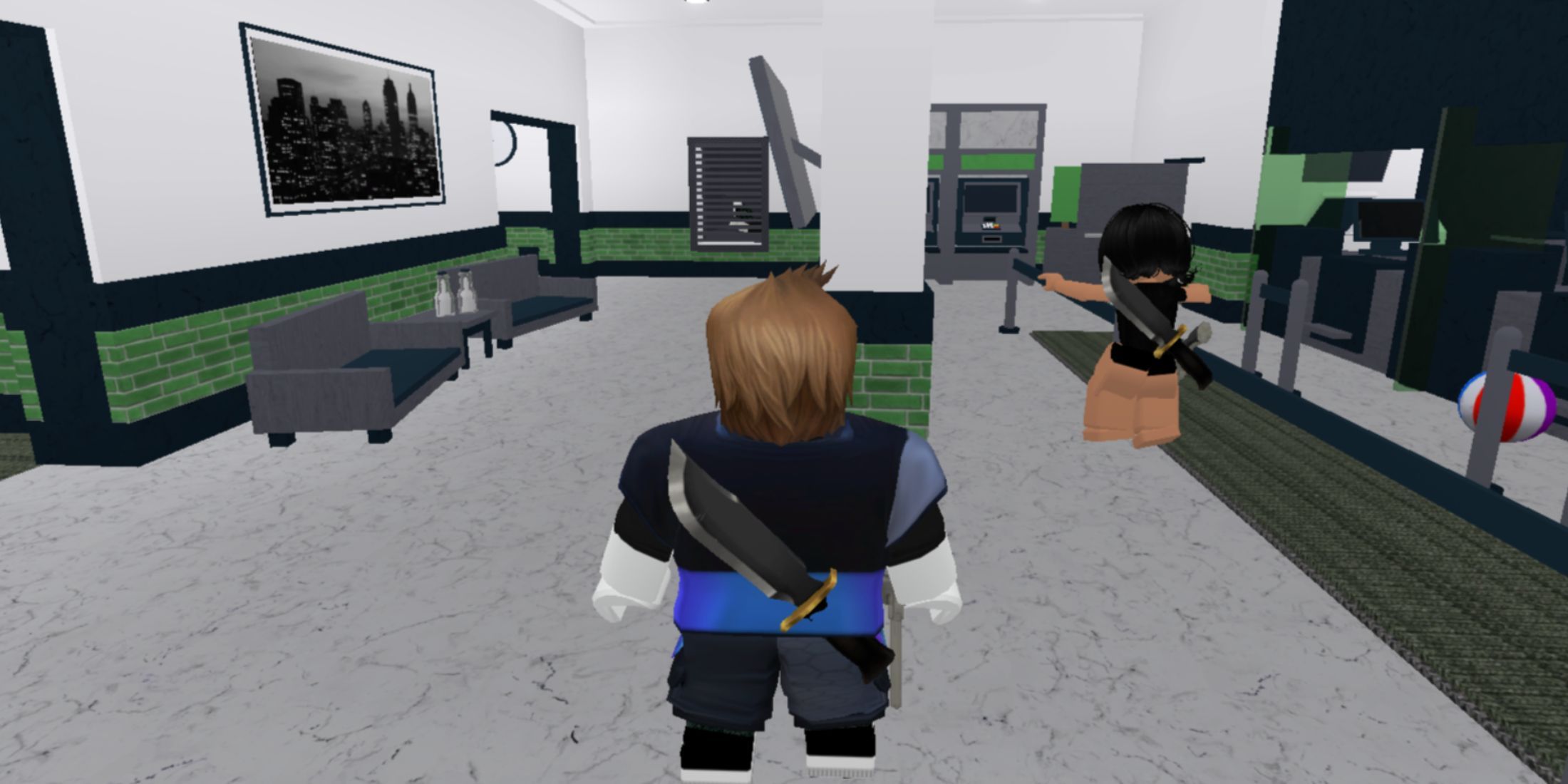
As Murder Mystery 2 is designed for multiplayer gameplay, you will encounter a diverse group of participants. Some will adhere to the game’s guidelines, while others might disrupt your experience. To minimize distractions, consider utilizing private servers, and this guide will provide you with essential links to join Murder Mystery 2 private servers.
Current Private Server Links for Murder Mystery 2
Similar to numerous other Roblox adventures, Murder Mystery 2 offers private servers where you can play with selected individuals. Fortunately, you do not need to create your own server to take part.
In each round of Murder Mystery 2, players receive specific roles. The majority will become Innocents, with three players taking on the roles of Killer, Sheriff, and Hero. These roles tend to provide the most engaging gameplay due to their access to weapons. However, it can be quite frustrating when you find yourself in one of these roles, only to witness many players standing idly instead of participating in the game. To mitigate this, search for servers with active users or opt for private servers.
Private servers function similarly to public ones in Murder Mystery 2, including the allocation of roles and the acquisition of loot. The advantage of private servers is that you’ll generally be playing alongside skilled players who are keen on employing various strategies. Furthermore, by creating your own private server, you can exclusively play with your friends.
Steps to Join a Private Server
To access an existing private server in Murder Mystery 2, simply follow an invitation link. Click the link and adhere to these guidelines to enter the server:
- The link directs you to the Murder Mystery 2 page on Roblox.
- If the server is operational, you will receive a prompt to launch the app.
- Confirm by clicking OK to start playing on the chosen server right away.
Steps to Create a Private Server
If your aim is to play solely with your friends, you can establish your own private server for Murder Mystery 2. Although it requires a small amount of Robux, the cost is quite low compared to most other games.
To create a private server, navigate to the game page, access the server section, and select the option for creating a private server. This will set you back 10 Robux per month. Afterward, you can generate an invitation link to share with friends interested in joining.







