
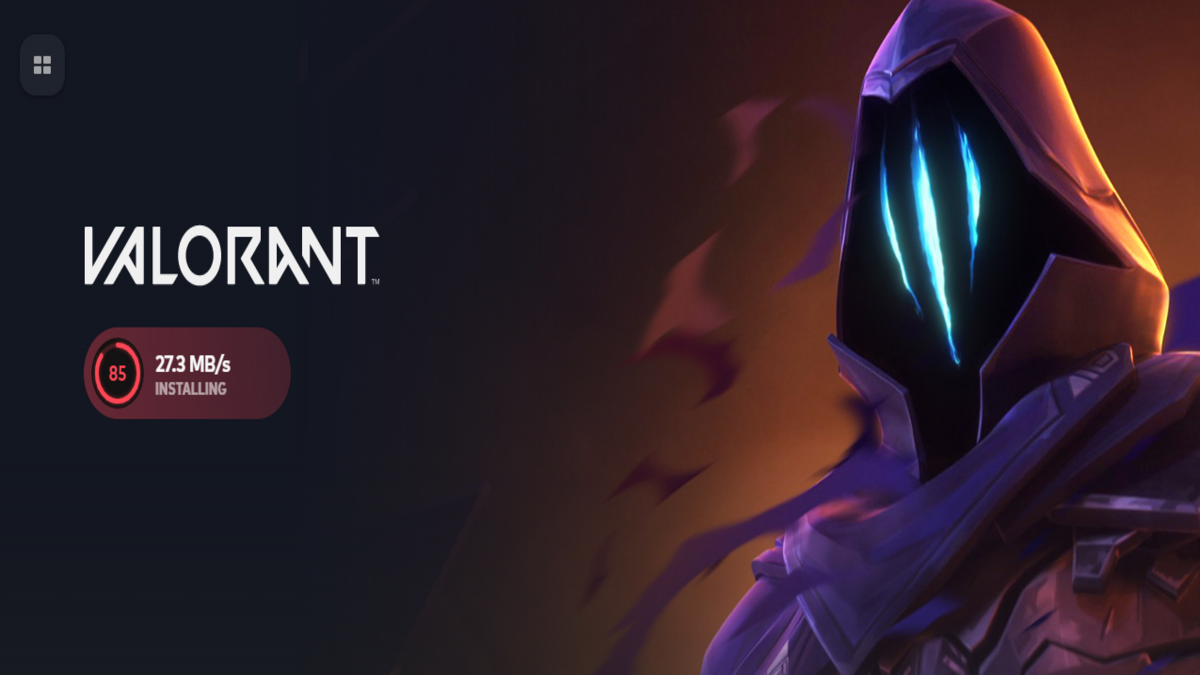
Interested in downloading VALORANT? Here’s what you should know.
If you’re looking to install VALORANT on your PC or console in 2025 and embark on your journey to Radiant, the first thing you’ll want to consider is the required storage space before hitting that download button.
VALORANT continues to be a leading tactical FPS game, primarily due to Riot Games’ ongoing updates, community-driven balance adjustments, and the introduction of new agents and maps. However, maintaining this level of freshness incurs a cost: an increased storage requirement since its debut in 2020.
If you’re curious about the storage needed for VALORANT in 2025, along with details regarding download and installation sizes, here’s a straightforward overview.
Storage Requirements for VALORANT in 2025
The installation size for VALORANT on PC is approximately 49.4 GB. As the download progresses, the installer performs various tasks (such as file decompression and setting up Riot Vanguard) to prepare the game for your PC. After installation, it’s recommended to restart your device to ensure everything is running smoothly.
It’s important to note that 49.4 GB only reflects the download size. You will need additional space for the complete game once it has been installed. Currently, VALORANT occupies around 58.3 GB on your PC after installation, so it’s wise to have at least 60 GB of free storage available before you start downloading.
For console users, the install size for VALORANT on Xbox and PlayStation is about 30 GB in 2025, and following installation, it could take up to 40 GB.
Update Size for VALORANT
On PC, VALORANT updates typically require about five to six GB for installation and may need extra storage afterward. For consoles, the required space is generally less. Regular updates usually require a couple of GBs, but larger patches–such as those introducing new agents–tend to demand more space. I recommend keeping around 10 GB of free storage for VALORANT updates on my PC.
For the upcoming update to Unreal Engine 5 (set for July 27), it’s advised to have «more than 30 GB of free storage space» available to ensure a seamless installation. Riot has mentioned that the space requirements for VALORANT will significantly lessen following this update. If your PC or console lacks the required storage, consider upgrading or uninstalling the game.
VALORANT System Specifications for 2024
In contrast to storage needs, the system requirements for VALORANT have not changed significantly over time. According to official information from Riot, the game no longer supports older versions of Windows, such as Windows 7 and 8.
Here’s a detailed list of VALORANT’s official system specifications.
Minimum System Requirements (30 FPS)
CPU: Intel Core 2 Duo E8400 / AMD Athlon 200GE
RAM: 4 GB
VRAM: 1 GB
OS: Windows 10 (Version 2004 / Build 19041 or newer) or Windows 11 64-bit
GPU: Intel HD 4000 / Radeon R5 200
Recommended System Specifications (60 FPS)
CPU: Core i3-4150 / Ryzen 3 1200
RAM: 4 GB
VRAM: 1 GB
OS: Windows 10 (Version 2004 / Build 19041 or newer) or Windows 11 64-bit
GPU: GeForce GT 730 / Radeon R7 240
High-end System Requirements (144 FPS)
CPU: Intel i5 9400F / AMD Ryzen 5 2600x
RAM: 4 GB
VRAM: 1 GB
OS: Windows 10 (Version 2004 / Build 19041 or newer) or Windows 11 64-bit
GPU: GeForce GTX 1050 Ti / Radeon R7 370
On Windows 11, both TPM 2.0 and UEFI Secure Boot must be enabled.
Since VALORANT is a competitive shooter, we suggest prioritizing high frame rates over graphical fidelity. Even with the specifications listed under high-end requirements, your PC might struggle to maintain stable frame rates due to various limitations.
If you aim for the best performance in VALORANT and are building a new PC, consider opting for specifications above the «high-end» recommendations provided by Riot. Focus on enhancing CPU performance and system RAM, as the game is primarily driven by CPU and memory rather than GPU. In case you face issues like the game not opening or freezing on the loading screen after downloading or updating, you can find solutions in our guides.







