
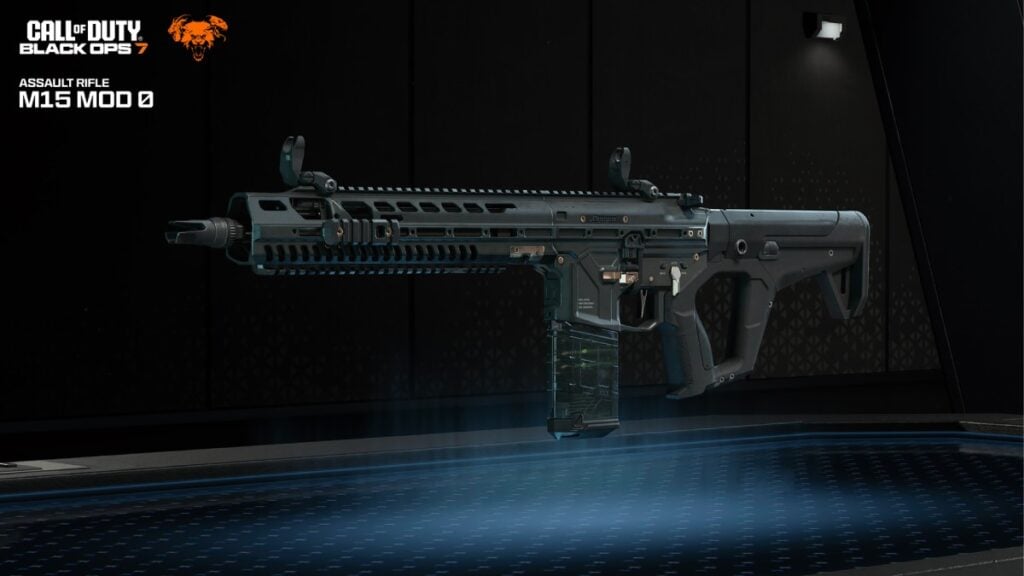
In the latest entry of the popular Call of Duty franchise, players are now empowered to effortlessly share weapon build codes in Black Ops 7. This new feature enhances the gaming experience by allowing users to set up their ideal loadouts quickly, eliminating the tedious process of figuring out the best weapon attachments on their own.
The sharing capability is specifically designed for weapon builds, meaning players are unable to exchange complete loadouts that include perks, field upgrades, and lethal items. While this limitation exists, it reflects the dynamic nature of gameplay, as weapon configurations may have universal optimal settings, but perks are largely dictated by individual playstyles.
For those looking to utilize this feature, weapon build codes become available once players reach level four and unlock loadouts. Each code consists of 14 characters, corresponding to the specific attachments equipped on a weapon. Sharing these codes is straightforward; players can simply head to the Gunsmith interface, select their desired attachments, and copy the build code to share with friends or gamers online.
In addition, players have the option to send their weapon builds directly from the loadout menu. When a player does this, their friends will receive a notification prompting them to check out the new build upon logging into the game.
Importing weapon build codes is just as easy. Players who come across interesting configurations can swiftly adopt them, provided they have unlocked the necessary attachments. However, if they attempt to use locked attachments, the game will notify them to adjust their loadout before entering multiplayer mode. Importing a code does not automatically equip the build; rather, the new configuration can be found in the builds and blueprints selection menu.
Another handy feature of Black Ops 7 allows players to copy weapon builds during matches. For instance, if a player encounters an opposing team member effectively using a particular weapon, they can simply hold the designated button during the killcam to replicate that build for their own use later.
This engaging addition to Call of Duty: Black Ops 7 promises to enhance not just gameplay but also community interaction, enabling players to benefit from one another’s strategies and choices in real time.







