
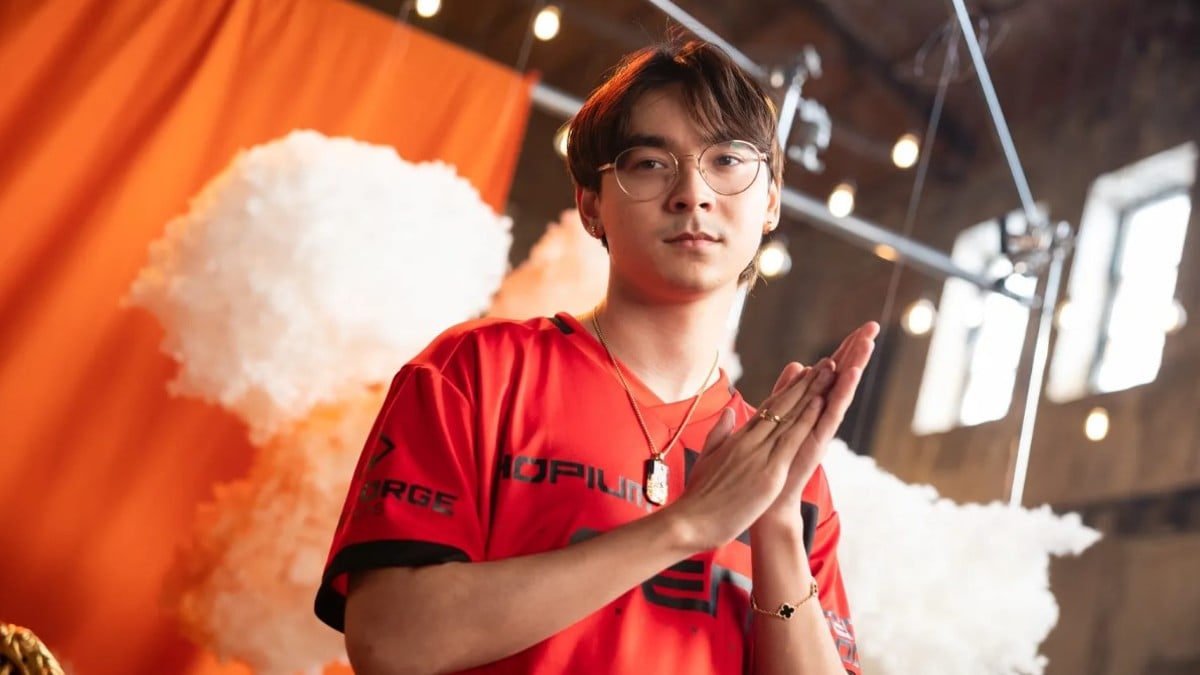
If you’ve engaged with a first-person shooter in recent years, the name «TenZ» is likely familiar to you. At just 24, he has become a symbol and source of inspiration for gamers globally. It’s no surprise you’re interested in exploring TenZ’s VALORANT settings–perhaps to master that famous flick and wow your gaming partner.
Regardless of whether you’re just starting or are an experienced player, TenZ’s settings provide a valuable reference point for those aiming to refine their precision and enhance their gameplay. Below, you’ll discover all his current settings for aim, mouse, crosshair, map, graphics, and more in VALORANT, alongside responses to some frequently asked questions about his setup.
Summary
- TenZ’s in-game aim sensitivity is set to 0.09, with his mouse DPI at 1600, giving him an eDPI of 144, which is below the commonly suggested 200.
- His crosshair features a small cyan plus.
- He assigns secondary mouse buttons for various agent abilities.
- His map and video settings prioritize performance over aesthetics.
Complete List of TenZ’s VALORANT Settings
Before delving deeper into his VALORANT configurations, let’s discuss why TenZ’s choices are ideal for reference. He typically opts for a beginner-friendly plus crosshair in cyan, which is recognized for its reliability. While some players may perceive his mouse settings as slower, a lower eDPI can enhance accuracy and headshot consistency. If you’ve been experiencing difficulties landing shots, adopting TenZ’s settings might be beneficial.
Furthermore, TenZ adheres to FPS-optimized video and map settings in VALORANT, so adopting his preferences could improve your performance significantly.
TenZ’s VALORANT Crosshair Settings and Codes
Over time, TenZ has experimented with multiple variations of the plus crosshair, here are the latest and most popular options.
Current Crosshair
TenZ’s most recent VALORANT crosshair is compact yet well-proportioned. Although I prefer larger crosshairs due to my monitor’s dimensions, this one is easy on the eyes. It fits comfortably and is perfect for players who enjoy dot-style crosshairs but also seek the accuracy offered by a plus crosshair.
| Crosshair Code | 0;s;1;P;c;5;u;2AFF00FF;h;0;f;0;0l;2;0v;2;0o;1;0a;1;0f;0;1b;0 |
| Color | Cyan |
| Outlines | Off |
| Center Dot | Off |
| Inner Lines | On |
| Inner Line Opacity | 1 |
| Inner Line Length | 2 |
| Inner Line Thickness | 2 |
| Inner Line Offset | 1 |
| Outer Lines | Off |
Alternate Crosshair
This is another compact plus-style option, differing slightly with longer inner lines and no offset. There are no advantages between this and TenZ’s current crosshair; rather, it’s a matter of aesthetic preference.
| Crosshair Code | 0;s;1;P;c;5;h;0;m;1;0l;3;0o;0;0a;1;0f;0;1b;0;S;c;5;o;1 |
| Color | Cyan |
| Outlines | Off |
| Center Dot | Off |
| Inner Lines | On |
| Inner Line Opacity | 1 |
| Inner Line Length | 3 |
| Inner Line Thickness | 2 |
| Inner Line Offset | 0 |
| Outer Lines | Off |
Classic Plus Crosshair
This iconic plus-style crosshair has been used by countless VALORANT players for good reason. It’s a dependable reticle that aids in steadying aim and maintaining head-level positioning. This crosshair is touted as one of the top choices for beginners.
| Crosshair Code | 0;s;1;P;c;5;h;0;m;1;0l;4;0o;2;0a;1;0f;0;1b;0;S;c;4;o;1 |
| Color | Cyan |
| Outlines | Off |
| Center Dot | Off |
| Inner Lines | On |
| Inner Line Opacity | 1 |
| Inner Line Length | 4 |
| Inner Line Thickness | 2 |
| Inner Line Offset | 2 |
| Outer Lines | Off |
TenZ’s VALORANT Mouse Settings
If you prefer low sensitivity settings in VALORANT, TenZ’s mouse configurations are likely a good match for you. With an eDPI of 144, his setup can help stabilize aim and improve crosshair positioning. However, you might find flicks need more extensive hand movement to achieve the desired effect.
| DPI | 1600 |
| Sensitivity | 0.09 |
| eDPI (DPI x Sensitivity) | 144 |
| Scoped Sensitivity | 1 |
| ADS Sensitivity | 1 |
| Polling Rate (Hz) | 1000 |
| Windows Sensitivity | 6 |
| Raw Input Buffer | On |
TenZ’s VALORANT Keybinds
While default keybindings may suit some, assigning select VALORANT mechanics to mouse buttons can streamline gameplay, allowing for quicker responses.
| Walk | L-Shift |
| Crouch | L-Ctrl |
| Jump | Mouse wheel down |
| Use Object | E |
| Equip Primary Weapon | 1 |
| Equip Secondary Weapon | 2 |
| Equip Spike | 5 |
| Equip Melee | 3 |
| Ability 1 | C |
| Ability 2 | Mouse button 4 |
| Ability 3 | Mouse button 5 |
| Ability 4: Ultimate | F |
TenZ’s VALORANT Map Settings
| Rotate | Rotate |
| Fixed Orientation | Based on Side |
| Keep Player Centered | On |
| Minimap Size | 1.2 |
| Minimap Zoom | 0.7 |
| Minimap Vision Cones | On |
| Show Map Region Names | Always |
TenZ’s VALORANT Video Settings
| Resolution | 1920×1080 |
| Aspect Ratio | 16:9 |
| Aspect Ratio Method | Fill |
| Display Mode | Windowed Fullscreen |
| Multithreaded Rendering | On |
| Material Quality | Low |
| Texture Quality | Low |
| Detail Quality | Low |
| UI Quality | Low |
| Vignette | Off |
| VSync | Off |
| Anti-Aliasing | MSAA 2x |
| Anisotropic Filtering | 2x |
| Improve Clarity | Off |
| Experimental Sharpening | Off |
| Bloom | On |
| Distortion | Off |
| Cast Shadows | Off |
| Enemy Highlight Color | Yellow (Deuteranopia) |
TenZ’s Achievements in VALORANT
After a three-year stint in professional Counter-Strike, Tyson «TenZ» Ngo transitioned to VALORANT under the Cloud9 team in 2020–the same year Riot released their tactical shooter. He joined Sentinels in 2021 and has continued to rise since.
Throughout his career in VALORANT esports, he has secured two international titles (both with Sentinels) and has executed numerous standout plays. Initially recognized as a Jett/duelist expert, TenZ later adapted to a supportive role when his team required it (following Sentinels’ roster changes for VCT 2023 and beyond), thriving in this new position. He is widely celebrated for his Operator gameplay, both during stream sessions and live events.
Sadly, all good things must eventually come to a conclusion, and so did TenZ’s competitive career in VALORANT. He declared his retirement from professional play following VCT 2024, but remains active as a content creator for the Sentinels. Even in his role as a streamer, he continues to perform well, boasting over 4.5 million followers on Twitch and more than 2.6 million subscribers on YouTube.
FAQs
-
What mouse does TenZ use?
TenZ has used various gaming mice during VALORANT events and streams, earning him the title of a mouse enthusiast. Currently, he uses the Pulsar TenZ Signature Edition, a mouse he had a hand in designing. For competitive play, he was last observed using the Ninjutso Sora V2 during VCT 2024.
-
What keyboard does TenZ use?
TenZ utilizes the Wooting 80HE analog keyboard.
-
Why does TenZ favor 1600 DPI over 800 DPI?
In response to a fan’s question on stream, TenZ stated that he prefers 1600 DPI for League of Legends and as his general mouse DPI outside of gaming. He also noted a popular belief that higher DPI can lessen input latency, although the difference is often marginal and not significantly impactful for most players.
-
Does TenZ play on stretched resolution?
Yes, TenZ plays VALORANT at a stretched resolution. He has a video guide available that details how to set up «true stretched res» as he does.
-
Does TenZ use RawAccel?
It’s uncertain if TenZ still employs RawAccel during his VALORANT streams in 2025. While RawAccel isn’t allowed in sanctioned tournaments, players face no penalties for using it in ranked matches. You can find guidance on setting up RawAccel yourself and view TenZ’s last known configurations in our dedicated guide.







