
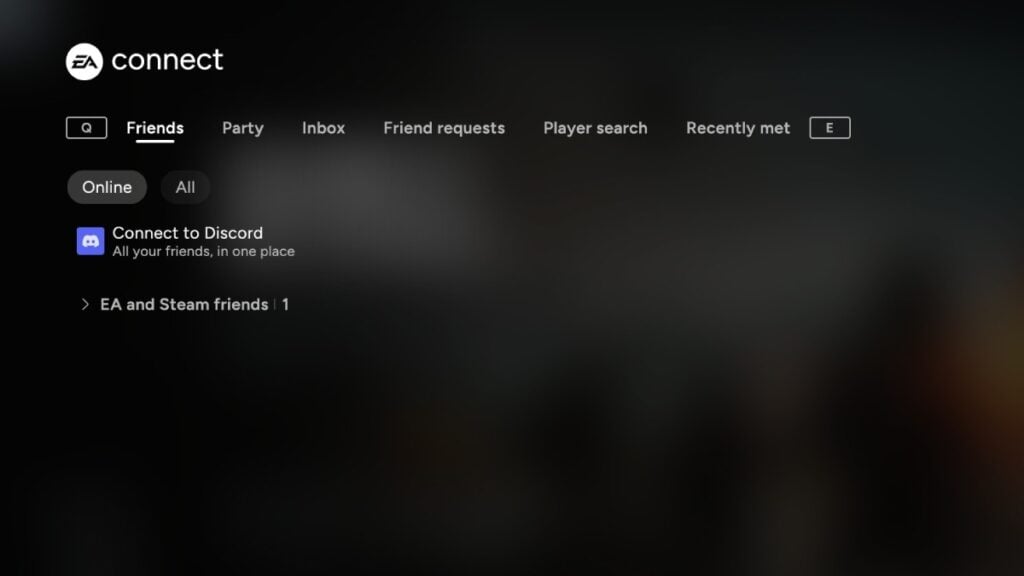
Battlefield becomes significantly more enjoyable when played with friends; however, issues may arise with friends lists and social menus in Battlefield 6. These glitches can hinder your ability to play together, and unfortunately, there is no evident solution at this time.
Here’s a comprehensive overview of the problems related to friends lists and social menus in Battlefield 6.
Typically, when the friends lists in Battlefield 6 are malfunctioning, it’s often due to server-side complications. In addition to social menus, you may experience issues with general menus not performing as they should (such as only displaying the Bulletin tab). EA frequently provides updates on these matters via official channels, so it’s wise to check the Battlefield 6 status and the relevant social media accounts when you encounter these issues.
While awaiting resolution, consider restarting the game and the EA App to see if that makes a difference. If you’re the only one among your friends facing this issue, you might also try restarting your router or reconnecting to the internet. If you use Steam, joining friends and their lobbies is possible through the Steam overlay. Use Shift+Tab to open the overlay, right-click on a friend who is playing Battlefield 6, and select Join Game to participate in their party.
Beyond these suggestions, the only option left is to wait for the issue to be fixed. In the past, server stabilizations took a few hours, but social menus were usually restored much faster.







