
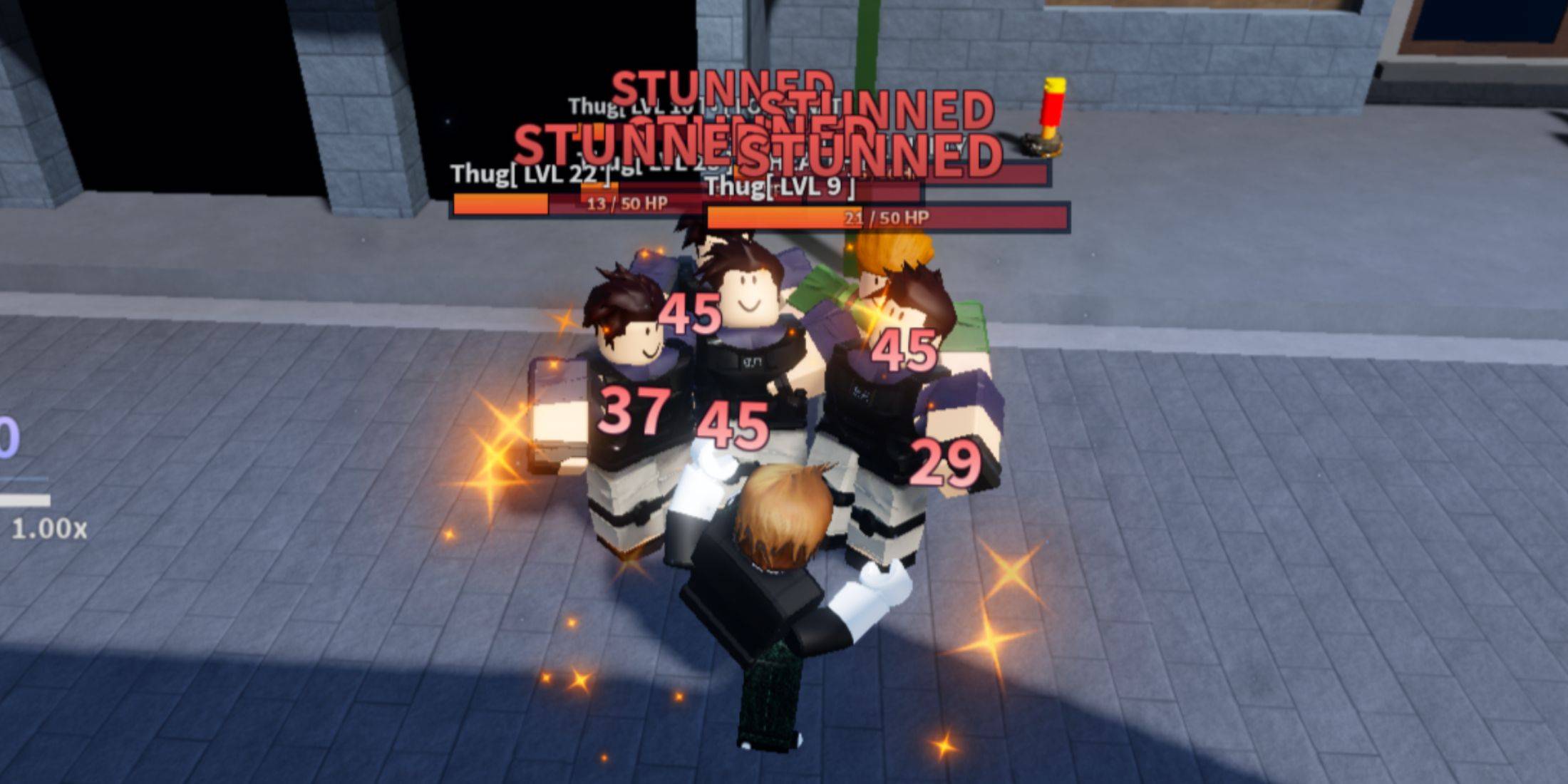
A Universal Time is a Roblox action RPG that features an expansive world filled with diverse enemies, powerful bosses, and various engaging activities. To thrive in this universe, players must master a range of abilities inspired by renowned anime, including JoJo’s Bizarre Adventure. For an enhanced gaming experience, utilizing private server codes can be beneficial.
At first glance, private servers might seem similar to public ones. This observation holds true regarding enemy and loot spawn rates. However, private servers offer the advantage of playing alongside friends or other players who are willing to form a team.
Updated: September 21, 2025: Leveraging private servers in A Universal Time can greatly elevate your gameplay experience. To keep this resource relevant, we have refreshed it with the latest private server codes.
Current Private Server Codes for A Universal Time
Active Private Server Codes
- 123RETQDFM
- 5CH59CI0NI
Expired Private Server Codes
- DX1HAHO09W
- SQCWNOKIBD
- 7M6XYLMVVO
- FWYLVOYE8C
- X9CZA9VXTG
- J00PBTTCYA
- QE8OJGA3FT
A Universal Time provides players with plenty of exciting activities, including limited-time events. Certain bosses require teamwork, which can be challenging in public servers. Private servers facilitate quicker progress and enable collaborating with other players of similar skill levels.
Contrary to other Roblox games, accessing private servers is directly integrated into the game’s main menu. Players will need an invite code to join these exclusive servers.
Steps to Join a Private Server in A Universal Time
Joining a private server in A Universal Time is a straightforward process compared to other games. However, new users might find it a bit confusing initially. Follow these steps to join a private server:
- Start A Universal Time.
- Click on the Play button and select the Private Server option.
- Enter the private server code in the designated field and hit Join to commence gameplay.
If you complete these steps correctly, you’ll see a loading screen shortly. However, if the server is no longer active, you’ll receive a notification that the code is invalid.
Creating Your Own Private Server
If you wish to set up your own private server in A Universal Time for solo play or with selected friends, follow these easy steps:
- Open the game and navigate to the Private Server tab.
- Click the «Buy 30 Days» button, which is priced at 150 Robux.
- Once purchased, you can create a private server code to share with your friends.
How to Discover Additional Private Server Codes
As any player can establish a private server in A Universal Time, there are countless options available, provided you have the relevant codes. Many players frequently share these codes in community forums. It’s advisable to check out the official Discord server for the game.







