
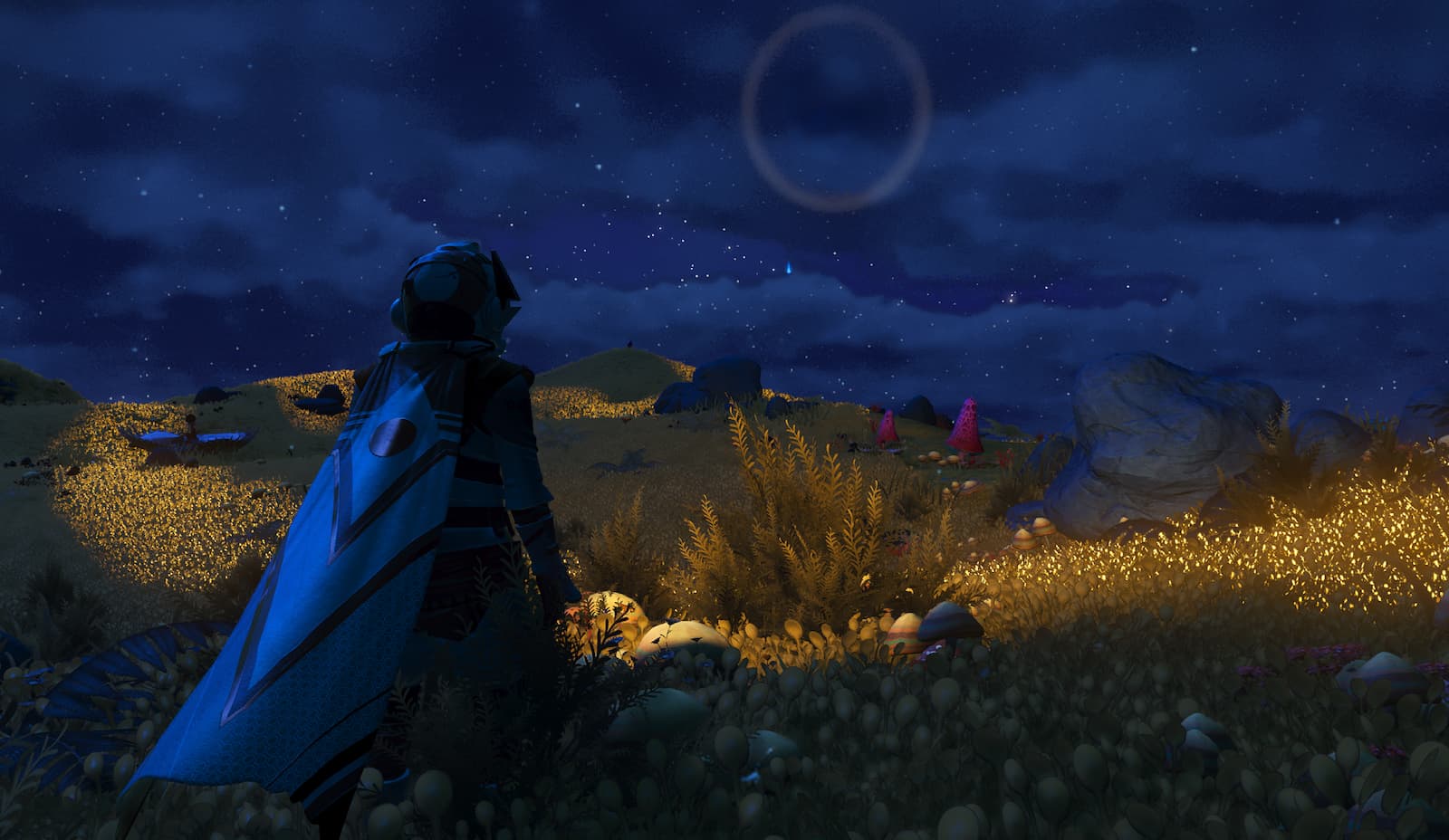
In No Man’s Sky, players can explore distant planets and unknown galaxies, construct bases, or simply soak in stunning vistas. Fortunately, the game allows users to choose their preferred perspective while navigating through these environments. If you’re interested in adjusting your default camera view, follow these simple steps.
Upon launching No Man’s Sky, the game defaults to a third-person perspective. While this view offers a broader field of vision, some players prefer a more intimate first-person experience. For those looking to switch to a first-person camera, it is possible at any time, whether playing as your character or piloting your spacecraft.
How to switch to first-person mode in No Man’s Sky
To alter the camera from third-person to first-person in No Man’s Sky, access the in-game menu rather than the settings. Here’s a simplified guide to change your camera perspective:
- Press Down on your D-Pad (Xbox and PlayStation) or the X key (PC) to open the in-game menu.
- Find the gear icon labeled «Utilities.»
- Select «Toggle Camera View,» represented by a character portrait. The menu will close, and your view will switch to first-person.
You can revert to the third-person view using the same steps at any time.
Let’s break down how each perspective operates. In the first-person view, the camera is aligned with your eye level, providing an experience similar to real-life vision. Conversely, the third-person view positions the camera above and behind your character, offering a much wider field of view, which has its advantages.
While a first-person perspective enhances immersion, it generally provides a clearer look by eliminating the character from the frame, allowing you to focus better on items in your vicinity. However, some players may experience motion sickness in this mode. If this is the case, adjusting your field of view (FOV) settings in the Camera menu can improve your experience.
In third-person mode, you gain a broad perspective that aids in dealing with stealthy adversaries. You’ll notice far more surroundings compared to first-person view, meaning you can avoid missing important details during your explorations. Ultimately, the choice of perspective is up to you; personally, I prefer third-person to admire my character’s stylish cape.
How to switch vehicle camera view in No Man’s Sky
To adjust your view from within a ship in No Man’s Sky, the process is similar to changing your character’s view. Follow these instructions:
- Press the X key (PC) or Down on your D-Pad (PlayStation and Xbox) to access the settings menu.
- Locate the gear icon labeled Utilities.
- Select the option called «Switch [vehicle name] View».
This switch allows for toggling between third-person and first-person perspectives while flying. For those just starting, it’s advisable to use the third-person view in ships, as navigating from a first-person perspective can be challenging. However, experienced players often prefer the first-person view for a more authentic feel.
While first-person views enhance immersion, they may restrict your ability to assess the battlefield effectively. In dogfights, for instance, it could be hard to determine where attacks are coming from, potentially allowing opponents to outmaneuver you. Although the first-person perspective is ideal for genuine space exploration, it can be easier to use third-person in some scenarios.
Third-person provides a broader visual scope, enabling players to see much more of the environment surrounding them. While soaring through space, it allows you to appreciate the upgrades made to your ship, enhancing the sense of progress. The downside, however, is the reduction in immersion, leading players to face a difficult decision.







