
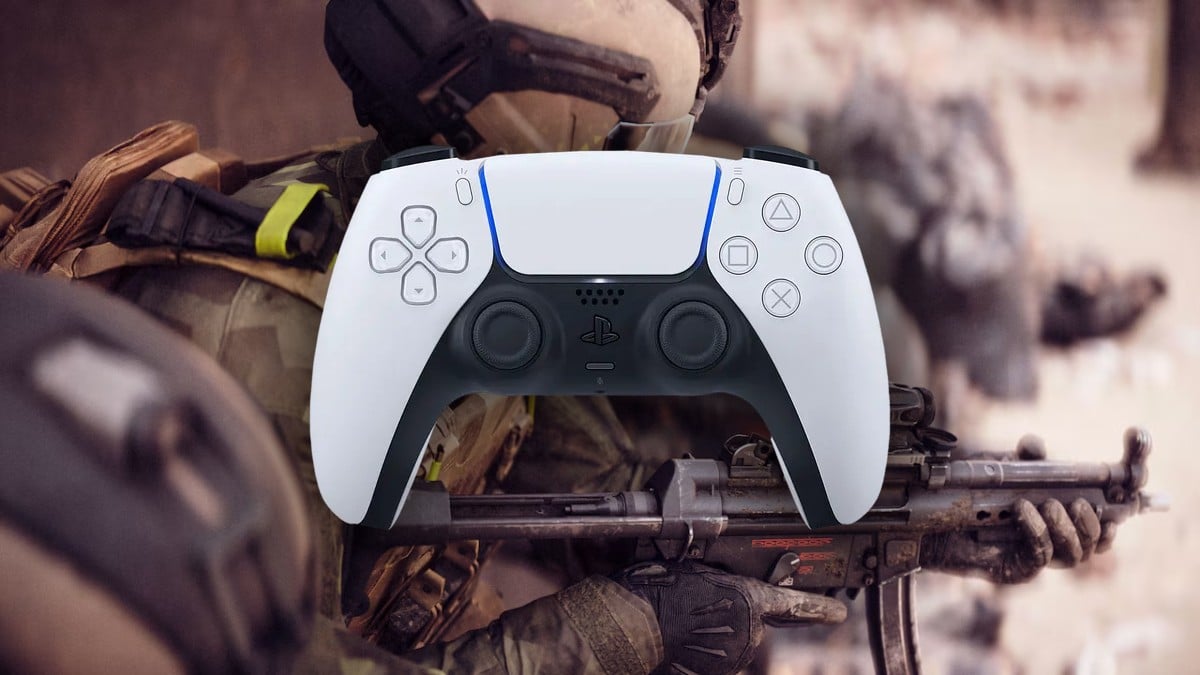
If you are experiencing adaptive triggers while playing Battlefield 6 on PlayStation 5 or PC with a DualSense controller, here’s how to disable them during the open beta.
Adaptive triggers are designed to enhance immersion by simulating weapon recoil through physical resistance on the L2 and R2 buttons. This feature, activated by the PS5 controller’s haptic feedback motors, aims to boost the realism in Battlefield 6.
However, they can cause slight delays or increased resistance, which might influence your performance in crucial moments of combat. Here’s a guide on how to disable this feature.
Disabling Adaptive Triggers on PS5
To turn off adaptive triggers while playing Battlefield 6 on your PS5, follow these steps:
- Navigate to your PS5 Home Screen.
- Select Settings.
- Scroll to Accessibility.
- Click on Controllers.
- Locate the Trigger Effect Intensity option.
- Set it to Off (instead of Medium, Weak, or Strong).
- Exit the menu. This will disable adaptive triggers across all games on your system.
Note that there is no in-game option to toggle this feature, and disabling it will allow smoother aiming and responsiveness similar to most competitive gaming setups.
Disabling Adaptive Triggers on PC
Using Steam
If you are using a DualSense controller on Steam to play Battlefield 6, here’s how to turn off adaptive triggers:
- Open Steam.
- Click on the «Steam» menu in the upper-left corner.
- Select Settings.
- Go to the Controller tab.
- Access General Controller Settings.
- Enable PlayStation Configuration Support.
- Connect your DualSense controller via USB or Bluetooth.
- Right-click on Battlefield 6 in your Steam Library and choose Properties.
- In the Controller tab, set Override for Battlefield 6 to Enable Steam Input.
- Launch Battlefield 6 through Steam.
After following these steps, the adaptive trigger resistance should be removed, and Steam will treat the triggers like those on a traditional controller. Additionally, you can emulate Xbox inputs through Steam to achieve the same result.
Regarding the EA App
As of now, the EA App does not provide an option to disable adaptive triggers for DualSense controllers. Therefore, using Steam remains your best option for more control over this feature.
Many professional and competitive players opt to disable adaptive triggers for better responsiveness and quicker shooting in multiplayer environments. If you are interested in improving your gameplay, consider checking out our weapons tier list for Battlefield 6 to enhance your loadout.







