
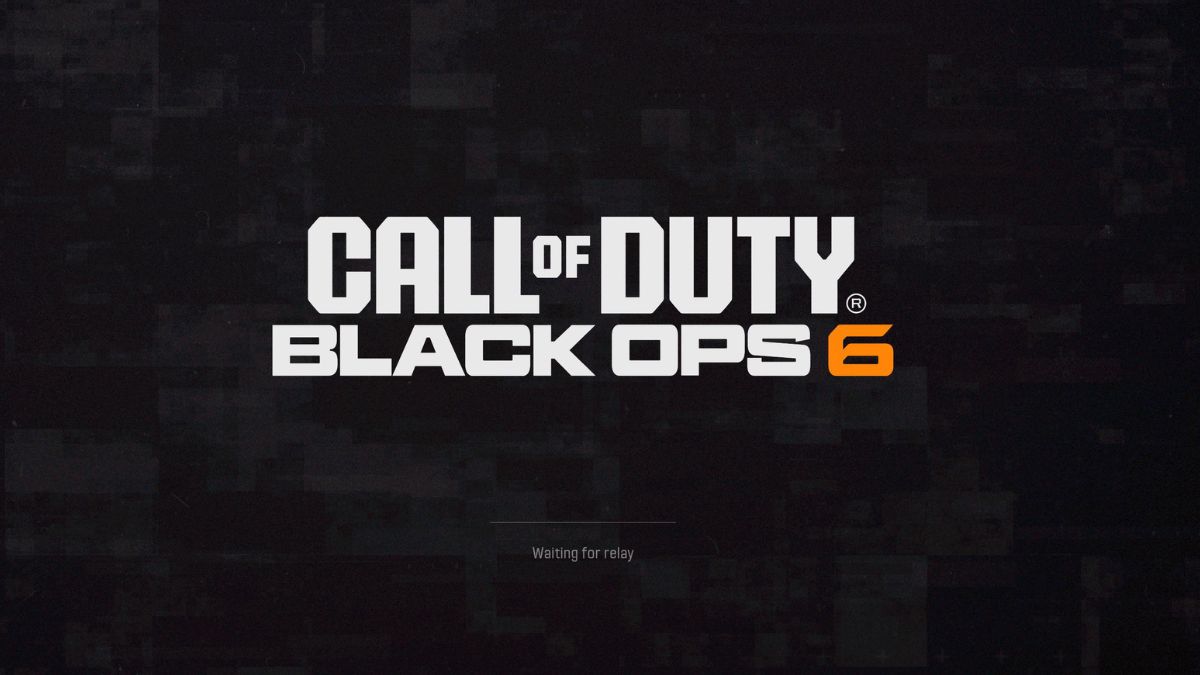
Black Ops 6 ranks among the top first-person shooters available today, drawing in numerous players daily, though many may face issues such as getting stuck on the «Waiting for relay» screen.
If you’re seeking a remedy for this issue, continue reading.
Solutions for the ‘Waiting for relay’ Error in BO6
Several methods can be pursued when encountering this error. Consider trying the following suggestions to help you move past the «Waiting for relay» screen in Call of Duty: Black Ops 6.
Restart Your Game
A simple yet effective approach to addressing this error is to restart your game. This action refreshes the application and might assist in resolving the underlying issue causing it to get stuck.
Restart Your Router
Since BO6 requires a constant internet connection, many related issues arise from players’ connection stability. Restarting your router could refresh the game’s connectivity and potentially rectify this problem.
Change Your Connection
To determine if your internet connection is the root cause, consider switching to mobile data to see if the issue persists. Alternatively, if available, connect to a different network.
Employing a VPN temporarily could help bypass any restrictions that might be contributing to the error or serve as an alternative connection method.
Verify Game Files
For PC users, verifying the integrity of your BO6 files could resolve this issue by repairing or restoring any corrupt or missing files. If you’re using Steam, look for this option in the «Installed Files» section. Battle.net users can access it via the «Scan and Repair» feature, while Xbox users can select «Verify and Repair» from the «Manage» menu.
Check Activision Online Services Status
You may also verify if the BO6 servers are down, which could clarify the occurrence of such errors. Check the Activision Support website for updates.
Disable Router Firewall
For those using PCs, disabling your router’s firewall could be a potential fix. Access your router’s settings by entering its IP address in your browser, where you can turn off the firewall features.
Restore Game License
Players on PS4 and PS5 can attempt to resolve this error using the «Restore License» feature. On PS4, navigate to «Account Management,» while PS5 users can simply press the Options button in the Call of Duty HQ application.
Reinstall the Game
If all else fails, consider reinstalling BO6. This is recommended as a last resort due to the large file size of the game, but it may be necessary.
Await a Solution from Activision
Lastly, if reinstalling the game does not resolve the issue, patience is key. Keep an eye on the CoD website, your gaming platform, or their official channels for any announcements regarding patches or fixes.







