
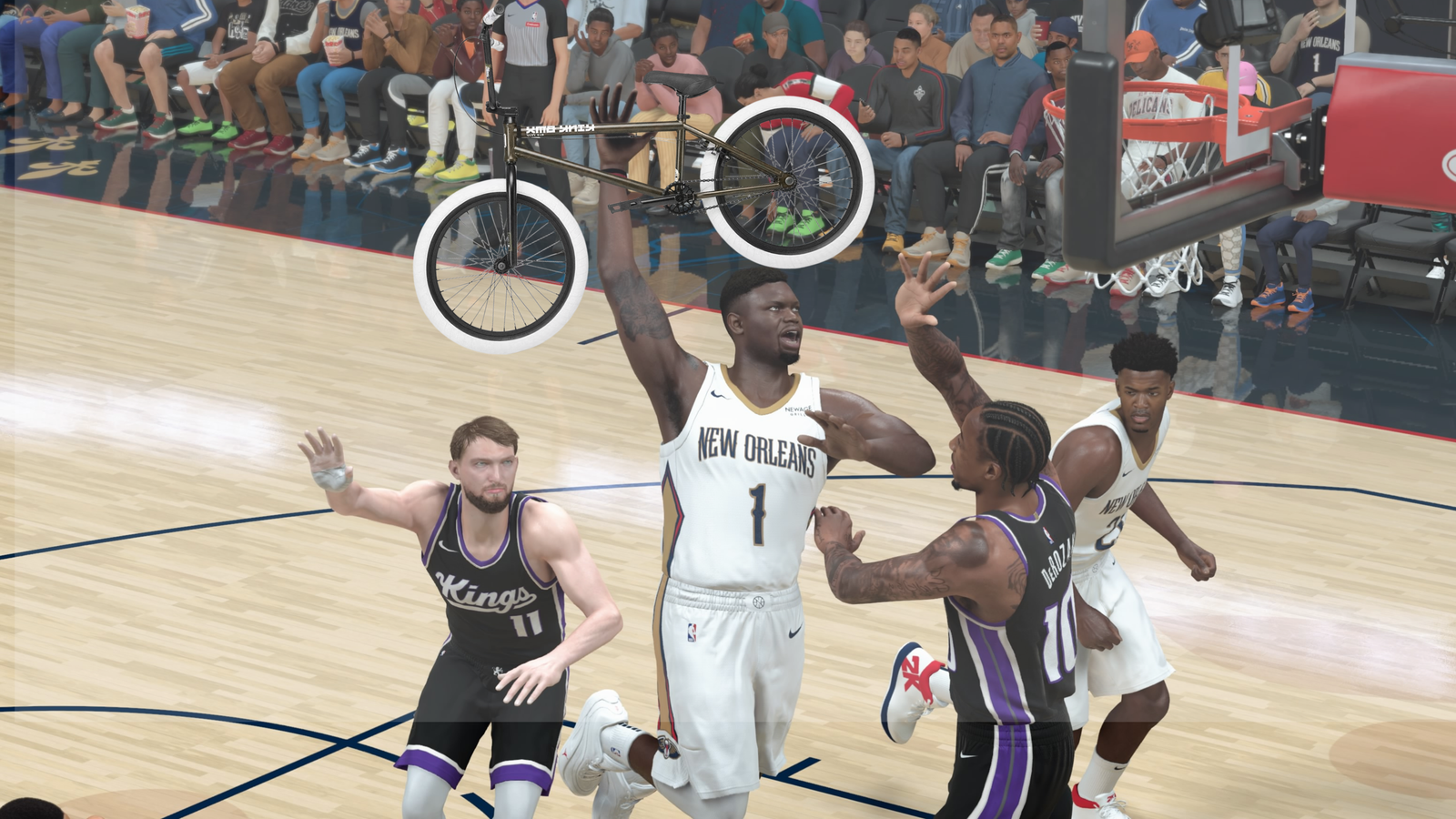
NBA 2K26 focuses on delivering an immersive basketball experience for players, but it also offers various other activities to enjoy, particularly in MyCareer mode. In addition to demonstrating your skills on the court, you’ll find numerous locations to explore and activities to engage in.
However, one drawback of the extensive city in MyCareer mode is the relatively slow pace at which players navigate between spots. Luckily, you have the opportunity to enhance your mobility by obtaining a free vehicle. This guide will detail the process of acquiring a complimentary BMX bike in NBA 2K26 and how to use it effectively.
How To Obtain a Free BMX Bike in NBA 2K26
While every player receives a skateboard at the beginning of their MyCareer adventure, you can further expand your transportation options by earning a BMX bike. To unlock this bike, players must successfully complete all the City Exploration Starter Challenges. You can monitor your progress via the pause menu by selecting Quests/Challenges, navigating to City Challenges, and then accessing the Starter Challenges tab.
Upon completing all challenges, the BMX will be automatically added to your inventory, allowing for faster travel throughout the city.
List of All Starter Challenges
To secure the free BMX bike, players must conquer a total of 15 challenges. Here’s a breakdown of the required tasks:
|
Challenge Number |
Task Description |
Completion Guide |
|---|---|---|
|
1 |
Watch a HoloHelp kiosk video |
Approach any kiosk marked with an «i» and interact to view the video. |
|
2 |
Watch 5 HoloHelp kiosk videos |
Visit five HoloHelp kiosks, located near most game mode areas. |
|
3 |
Enter Street Kings |
Access the Street Kings entrance situated on the eastern side of the City. |
|
4 |
Enter the Park |
Head to the Park located centrally in the City (the large circular structure). |
|
5 |
Enter Triple Threat Park |
Find the Triple Threat Park on your left while heading north towards the Gatorade facility. |
|
6 |
Enter the Rec |
Visit the Rec area located in the southern cluster of shops. |
|
7 |
Enter the Theater |
The Theater is directly across from Street Kings. |
|
8 |
Enter Starting 5 |
Starting 5 is located near the Rec, closer to the Event Center. |
|
9 |
Enter Proving Grounds |
Located to the left of the Rec, near the NBA arena. |
|
10 |
Enter Pro-Am |
Pro-Am is adjacent to the Theater and requires creating a custom team. |
|
11 |
Enter Ante-Up |
Located opposite Starting 5; turn left after exiting MyCourt. |
|
12 |
Visit the Geo Rank Leaderboard |
Not indicated on the map, but located near the NBA arena between Proving Grounds and Pro-Am. |
|
13 |
Use a 2KTV kiosk |
Look for kiosks around the area, one easy to access is near Triple Threat Park. |
|
14 |
Visit the Crews menu |
Open the pause menu and navigate to the Crews tab to complete this task. |
|
15 |
Use a Squad Finder kiosk |
Find these kiosks in locations like MyCourt or the Theater. |
How To Equip the BMX in NBA 2K26
After unlocking your free BMX, equipping it is straightforward. Simply go to the pause menu, select MyPLAYER, then Equipment. Choose a slot in your equipment wheel and assign the BMX to that slot.
Once you exit the menu, you can equip the bike anytime by opening the equipment wheel. Press and hold the L1/LB button, use the right stick to select the BMX, and then release the button to equip it.







