
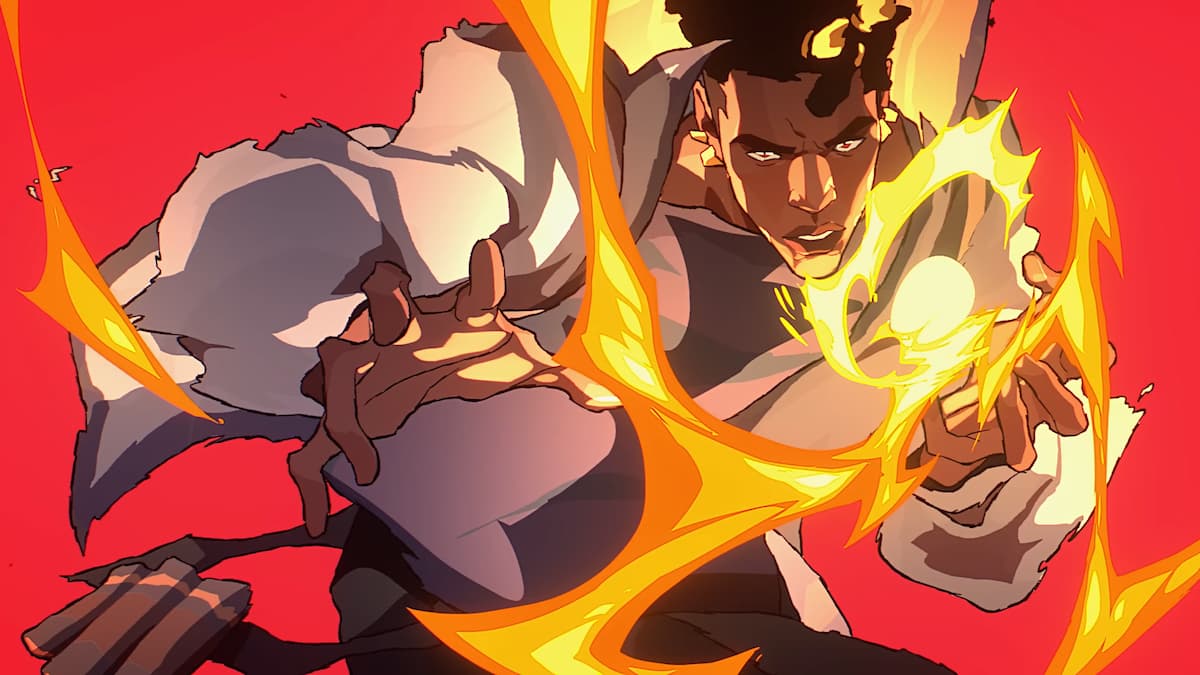
Collect all the free rewards available!
As the VALORANT Champions Paris begins on September 12, players can earn Twitch drops to celebrate the conclusion of the tournament and enhance their gameplay. If you’re curious about how to obtain these VCT Champions Twitch drops, we’ve got you covered.
Beyond premium team skins and the Champions bundle, Riot is offering two free reward pathways for players during this final stage of the season. The first is a month-long event pass filled with cosmetics and RP, which can be completed simply by playing VALORANT matches. The second involves the Twitch drops event, which we will detail here.
Steps to Connect Your Twitch Account for VALORANT Drops
To start, you need to link your Riot account to your Twitch account by following these instructions:
- Log into your Twitch account.
- Click on your profile icon and navigate to Settings.
- Select the Connections tab and look for Riot Games.
- Click Connect and enter your Riot account credentials to authorize the link.
- Once completed, your accounts will be successfully connected.
For the VALORANT Champions Paris drops, use this connected Twitch account to watch a qualifying stream and claim your rewards.
Listed Twitch Drops for VALORANT Champions 2025
Players have the opportunity to earn up to three rewards by watching Twitch streams of Champions Paris during specific time frames. Here’s what you can earn:
| Item | Item Name | Requirements to Earn |
|---|---|---|
| OUI CHEF Player Title | Watch a live VCT Champions Paris match between September 12 and September 29 for 30 minutes. | |
| Breadshot Spray | Watch a live VCT Champions Paris match between October 3 and October 5 for 30 minutes. | |
| No Fly Zone: Paris Player Card | Watch the live stream of the VCT Champions Paris grand final on October 5 for 30 minutes. |
Just tune in on the specified days to the official tournament stream on Twitch or authorized watch parties to receive these drops.
After successfully earning a reward, Twitch will notify you, and you can check your earned rewards or monitor progress in the Drops & Rewards section of your profile. Once you’ve claimed a drop, launch VALORANT and check your inventory; the item should be available for you to equip and use in the game.
To ensure your activity is registered for the drop, you need to watch the stream for at least 30 minutes. If you don’t receive the item after meeting this requirement, don’t worry–Twitch might encounter some tracking issues. We suggest refreshing the page periodically and continuing to watch the stream for up to an hour to resolve these problems.







