
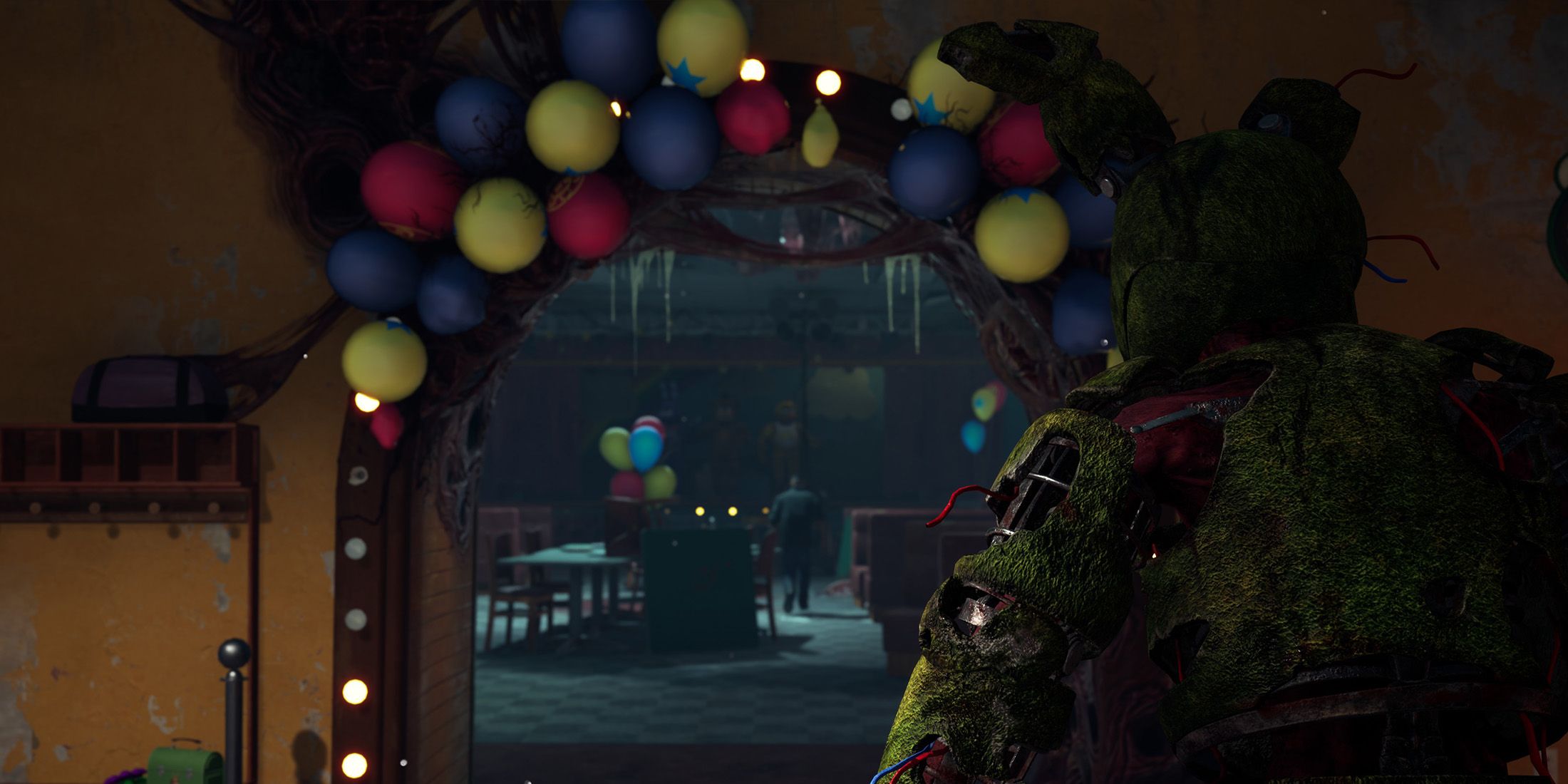
The Chapter of Five Nights at Freddy’s for Dead by Daylight is among the most awaited updates in the game, prompting the introduction of multiple mini-events designed to encourage players to engage. One notable event is a new Discord quest that rewards Dead by Daylight players with a free Springtrap profile banner simply for participating in the game, although some users are encountering issues while attempting to retrieve their codes and claim their rewards.
Springtrap serves as the primary killer in the Dead by Daylight FNAF Chapter, with Freddy Fazbear’s Pizzeria joining the game as a new map alongside him. While Springtrap is the sole FNAF character featured in Dead by Daylight, there isn’t a wide array of content for survivor players besides the new map. However, the banner offered through this Discord quest at least provides players with a touch of Five Nights at Freddy’s to showcase in their profiles.
How to Finish the Dead by Daylight x FNAF Discord Quest
To initiate the Dead by Daylight x Five Nights at Freddy’s quest, launch Discord and head to the Quests section. You can locate it on the Discover page, which is found at the bottom of your server list beneath the «Add a Server» option. Here, you will see all active Discord quests, including the FNAF one. If you’re having trouble locating it, here’s a direct link to the Dead by Daylight x Five Nights at Freddy’s Discord quest.
With several games currently promoting their own Discord quests, you may need to scroll down to find Springtrap. Once the quest appears, click the accept button and indicate whether you will be playing on a PC or console. Discord will automatically detect your gameplay on PC, but if you’re on Xbox, PlayStation, or Nintendo Switch, you must click «Check For Launches» on the quest page.
Ensure that your console account is linked to your Discord account to track your quest progress. Additionally, your progress might not be monitored if your account appears offline on PlayStation or Xbox.
After playing Dead by Daylight for 15 minutes on your chosen platform, you will receive a code that can be exchanged in Dead by Daylight for the Springtrap banner. Redeem it in the in-game store, and you’ll see it in your profile. This animated banner is available for a limited time, so make sure to complete the Discord quest promptly if you wish to secure this Dead by Daylight x Five Nights at Freddy‘s collaboration.







