
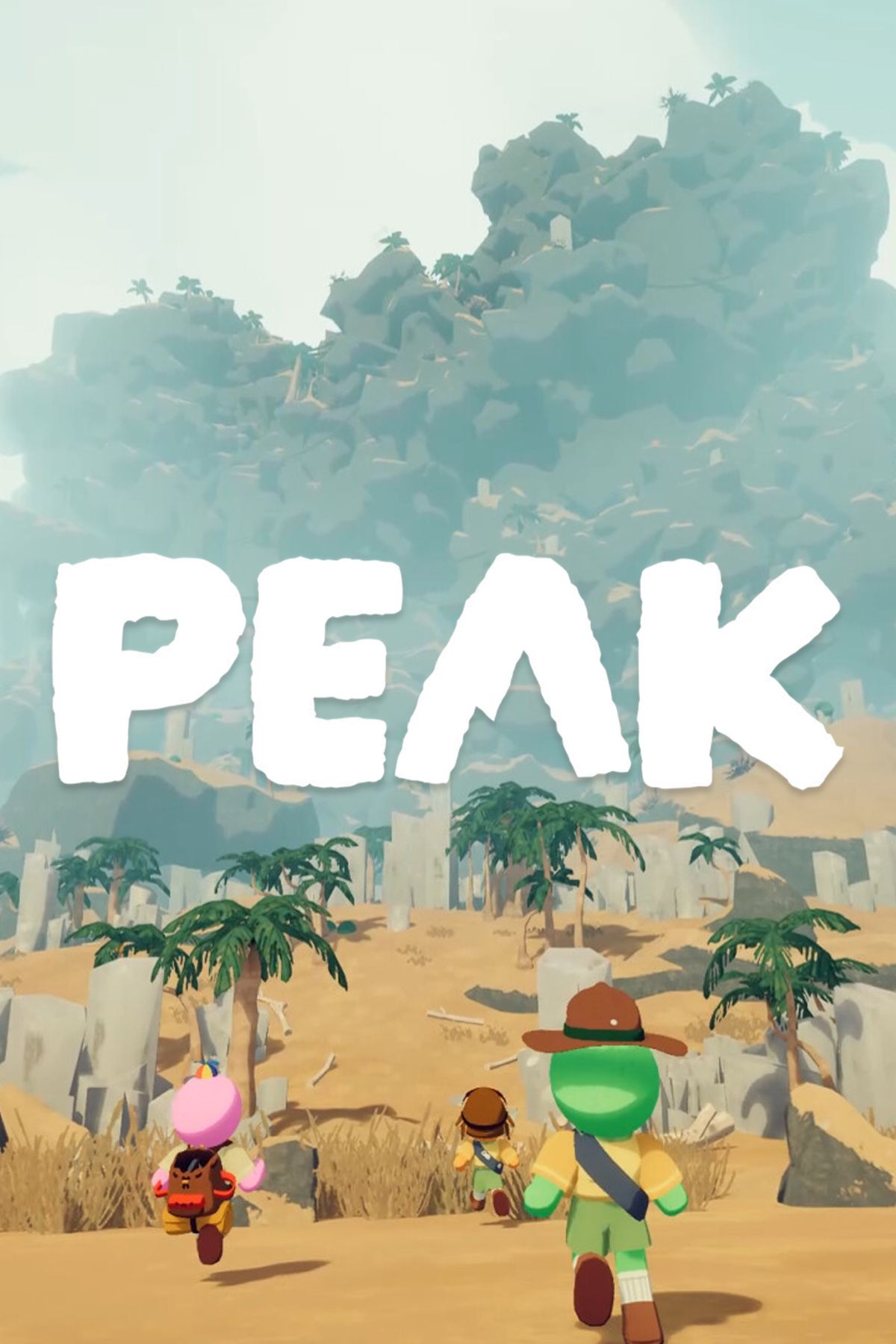
Despite its remarkable success as an indie title, PEAK still lacks several essential features that enhance the user experience, such as a save function. Currently, if players exit the game, they must restart their adventure from the beginning.
While some may relish this challenge in PEAK, the reality is that not everyone can dedicate uninterrupted time to playing the game, especially since ascending to the summit typically requires over an hour. Fortunately, in the absence of a dedicated saving feature, players have the alternative of using two mods that enable them to save their progress in PEAK.
How To Install Mods For PEAK
Mods can be installed manually by downloading them from Thunderstore and unpacking them into the appropriate folders. However, the easiest method to manage mods for PEAK is by using the Thunderstore Mod Manager application.
The BepInExPack PEAK mod is required as well, which will either install automatically or be included when the first PEAK mod is downloaded by the player.
Once the application is running, players can search for PEAK and explore the available mods. Searching for ‘save’ reveals the SavePoint and PEAK Save Manager mods, which are the only current options for saving progress.
After downloading one of these mods from the app, it will be listed under the My Mods tab, where players can enable or disable it. It is advisable not to use both mods simultaneously to prevent potential issues.
Remember to launch the game through the Thunderstore Mod Manager.
SavePoint – By Smokes
Save A Checkpoint Location To Return To
Among the two available options, the SavePoint mod by Smokes is the more user-friendly choice, and at present, it appears to function quite well.
Upon arriving on the island, players can press F5 to set a checkpoint. To teleport back to this location, they can press F6. Alternatively, pressing F7 will bring them back to where they were before teleporting. A yellow dust trail and a sound effect indicate successful teleportation.
This functionality is useful if players have progressed significantly up the mountain but need to step away for a while. They can exit to the main menu and later start a new game, before teleporting back to their prior location.
Limitations
- This ‘quick save’ feature does not retain item or status information from the time of saving. Players will only have the items present at the time of landing.
- Players can exit to the main menu, load a new game, and teleport back to their checkpoint using F6 after returning to the island.
- However, they cannot exit the game completely and still perform this action.
- Don’t attempt to save or teleport while in the airport.
- Teleportation likely affects only the player who initiated it.
PEAK Save Manager – By M4cs
Create Different Saves To Load – With Friends!
The PEAK Save Manager mod is more intricate to operate and may currently exhibit some bugs; however, it offers significantly expanded functionality.
- The mod retains saves, even after exiting the game completely.
- Players can create multiple save options for various gameplay scenarios.
- It is capable of saving item and status effects.
- This mod can be utilized with friends as a host.
This means that players can advance up the mountain, take a break, and reload their game later to carry on from where they last saved.
How To Use The Save Manager
To access the Save Manager, press F10 while on the island. Players can create a Quick Save or enter a name in the provided field to create a Named Save.
Below this, players will see their saved games, which can be loaded or deleted. These will indicate the number of players and the timestamp of the save.
Limitations
- Players may sometimes appear disoriented after loading, requiring multiple reload attempts.
- It may take several tries to obtain the desired status and location. Exiting and reloading can enhance the chances.
- Loading may appear somewhat unrefined.
- Don’t attempt to save or load at the airport.
- Each load might generate additional items at the crash site.
- Opening the Save Manager does not pause gameplay, even in single-player mode.
- This feature may not function correctly with new islands that are updated daily.
Utilize the MorePeak mod to eliminate the daily island system. This allows players to save and load progress on different days, assuming they remember and use the same map seed.
Updates for this mod may be on the horizon, potentially fixing some of these issues.







