
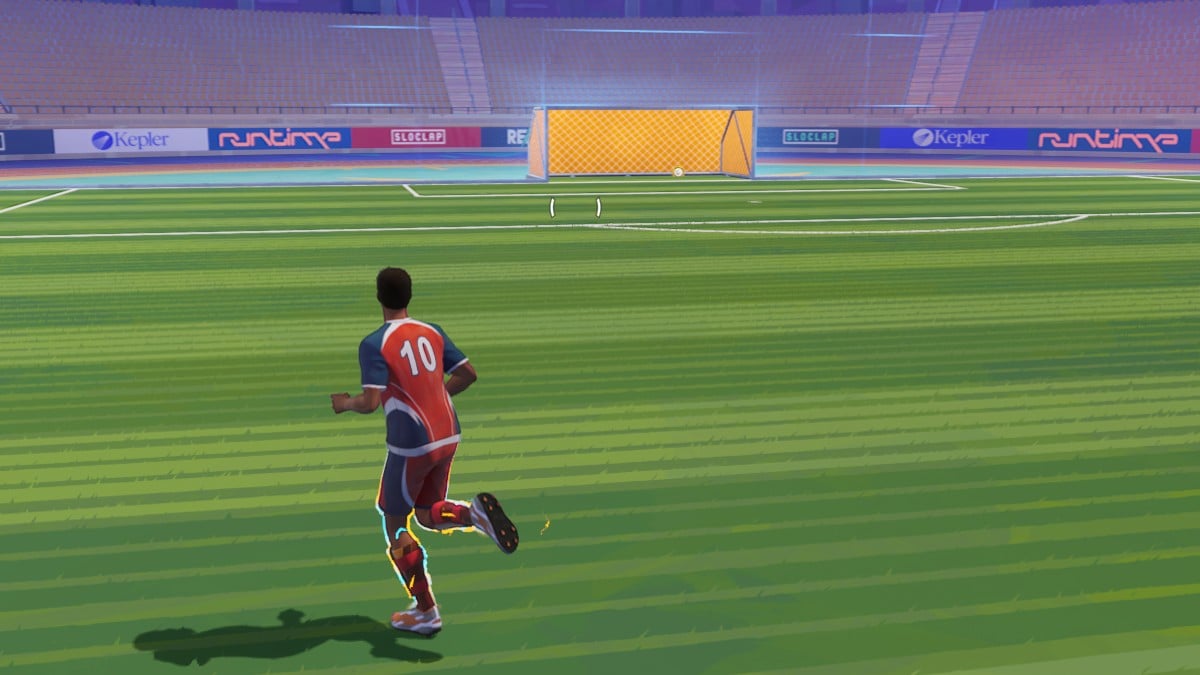
Rematch is officially available to all players, providing thrilling five-on-five gameplay. If you are seeking optimal graphics settings that balance performance and visual quality, you’re in the right place.
The latest sports title from Sloclap deviates from conventional FIFA or EA Sports FC games, offering a more relaxed and entertaining experience, complete with unique skill moves, and is played from a third-person viewpoint, reminiscent of Rocket League.
Optimal Video Settings for Rematch
Here are the recommended video settings to enhance your Rematch experience:
- Window Mode: Fullscreen
- Resolution: Native resolution of your monitor
- V Sync: Disabled
- Max FPS: Disabled
- Gamma: 2.2
- Anti-Aliasing Method: TSR
- DLSS Frame Generation: Off
- Motion Blur: 0.2 (a slight motion blur can be beneficial in this type of game)
- Graphics Quality: High
- Texture Quality: Medium
- Shadow Quality: Medium
- Effects Quality: Medium
- View Distance Quality: High
- Grass Quality: Medium
- Crowd Quality: Medium
- Post Process Quality: Medium
- Anti-Aliasing Quality: Medium
With my current setup, featuring a Ryzen 5 3600, RTX 3060 Ti, and 32 GB of RAM on an SSD, I utilize these settings and achieve around 120 to 130 frames per second, which I find quite satisfactory.
If your system boasts better specifications, feel free to maximize all settings for an enhanced experience. Conversely, if your setup is less powerful, consider lowering the settings to medium or low to increase frame rates and enhance gameplay smoothness.
Before you venture into leveling up and unlocking Ranked mode, ensure you familiarize yourself with all Rematch controls and keybinds, which will guide you in mastering offense, defense, and scoring strategies to achieve victory in your matches.







