
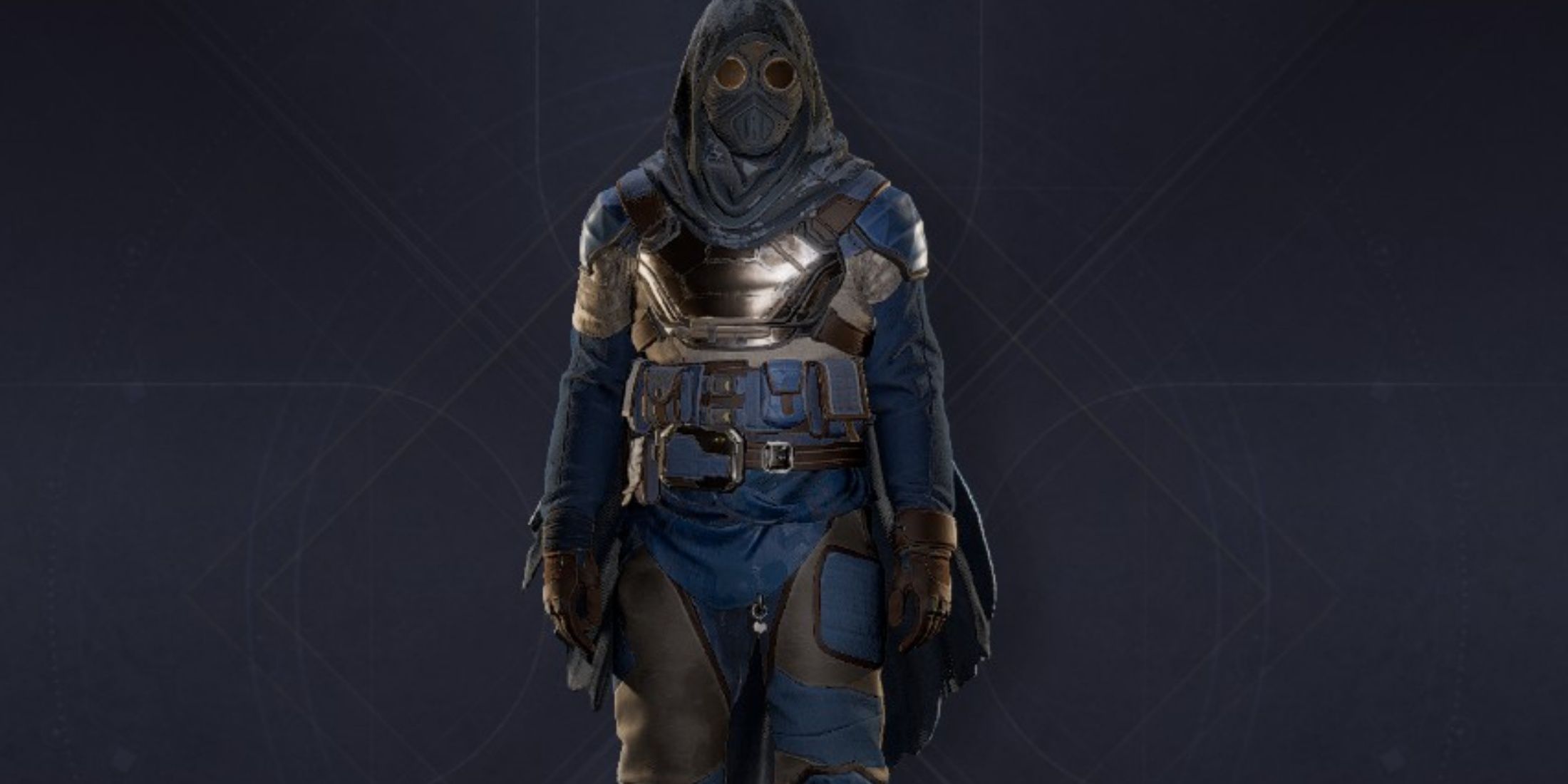
In Dune: Awakening, gamers have the ability to alternate between various types of equipment, arms, and vehicles. However, one aspect that the game does not explicitly communicate is that players can customize their items and vehicles, allowing for a range of aesthetic modifications, such as applying unique paint jobs to sandbikes or altering weapon skins.
This guide will provide players with comprehensive information on how to personalize their gear in Dune: Awakening, enabling them to display distinctive armor skins or any other unlockable cosmetics with pride.
How To Modify Weapon And Armor Appearance In Dune: Awakening
To access the Customization menu in Dune: Awakening, players need to open their inventory and navigate to the last tab on the right by pressing ‘E‘. Once in the Customization Menu, scroll down to choose the piece of gear to alter. Click on the equipment and explore the new menu to change the appearance on the first list or select Swatches (color palettes) on the second list.
Additional Swatches can be earned by completing Quests or by joining a faction. Certain objectives within the Journey can also unlock new Swatches, and acquiring specific Tech through Intel can yield new color palettes and skins to personalize gear. Furthermore, weapons and armor of the same category have exchangeable skins, allowing players to equip end-game armor while retaining the look of the Makeshift or Scavenger sets, which are among the first unlocked in the game.
How To Modify Vehicle Appearance In Dune: Awakening
For vehicles, customization is achievable via the Welding Tool. Players must have the Welding Tool equipped and selected, approach one of their owned vehicles, then right-click to access the menu and select Customize. They will then need to aim their tool at the specific part they wish to modify and choose different color palettes. After selecting a desired Swatch, a left click will apply the color to the chosen vehicle part.
Unfortunately, players cannot paint the vehicle all at once; individual parts must be customized separately by targeting each one and repeating the process. However, this method allows for unique combinations, as players can apply various colors to different sections.
The customization menu also showcases all available vehicle skins, with some exclusive to the Deluxe and Ultimate Editions of Dune: Awakening. Certain vehicle skins can be acquired by joining factions within the game (Harkonnen or Atreides). Each vehicle (Sandbike, Buggy, Ornitopter) features a standard version, with their faction-specific variants being unlockable by enhancing the player’s reputation with each faction. Raising reputation with House Atreides can be more challenging due to an extensive story quest with numerous points of interest to explore, while House Harkonnen tends to focus more on combat and can be maxed out with relative ease.







